
Digital Accessibility
Unlock valuable insights into customer behavior, preferences, and needs to make Data-Driven Decisions that Enhance the Customer Experience, Drive Conversions, and Boost ROI.
Benefits
 Save Time
 Instantly capture and analyze behaviors as they happen in real-time.
 Enhanced User Experience
 Gain comprehensive customer insights for a complete understanding.
 Boost Revenue
 Identify emerging possibilities to drive revenue growth
 Customer Satisfaction
 Remove barriers and delight customers with effortless interactions.
 Pinpoint and Resolve Bugs
 Effectively address, troubleshoot, and resolve problems for prompt resolution.
 Privacy-Driven Integration
 Prioritize privacy and secure integration for driving continuous innovation.
Clear Customer Journeys with Perceiving Visualizations
Track and analyze every touch point customers have with your brand, unlocking valuable insights for optimizing the entire customer journey that drives growth.
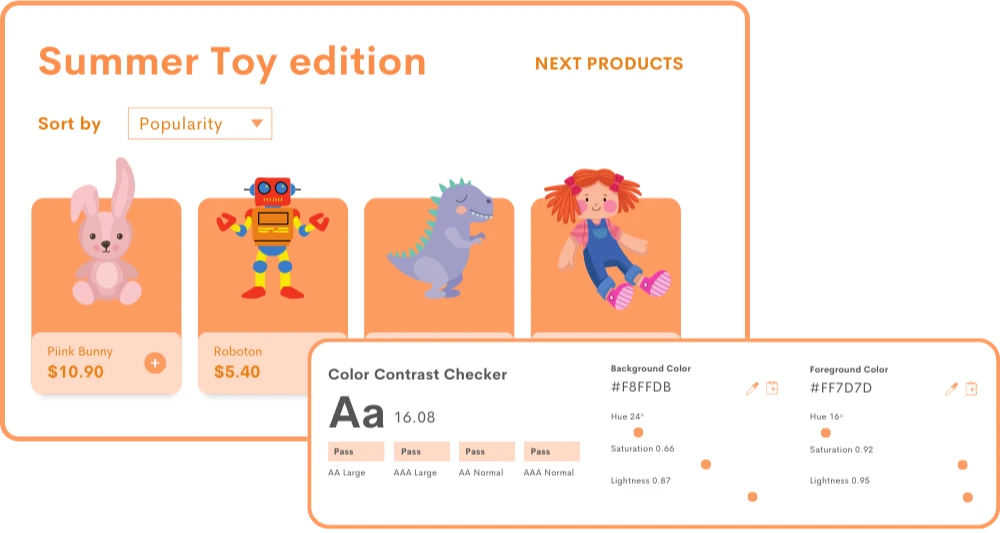
Decode Digital User Preferences
Gain insights into the preferences and needs of users with disabilities to tailor digital content accessibility and services to meet those needs better.
- Visualizations for Accessibility: Watch visual representations with accessibility features to understand how users with disabilities navigate and interact.
- Quantitative and Qualitative Data: Dive deeper into user preferences, pain points, and opportunities for improving accessibility.
- Inclusive User Feedback: Provide accessible mechanisms, such as surveys or feedback forms, to identify accessibility pain points.
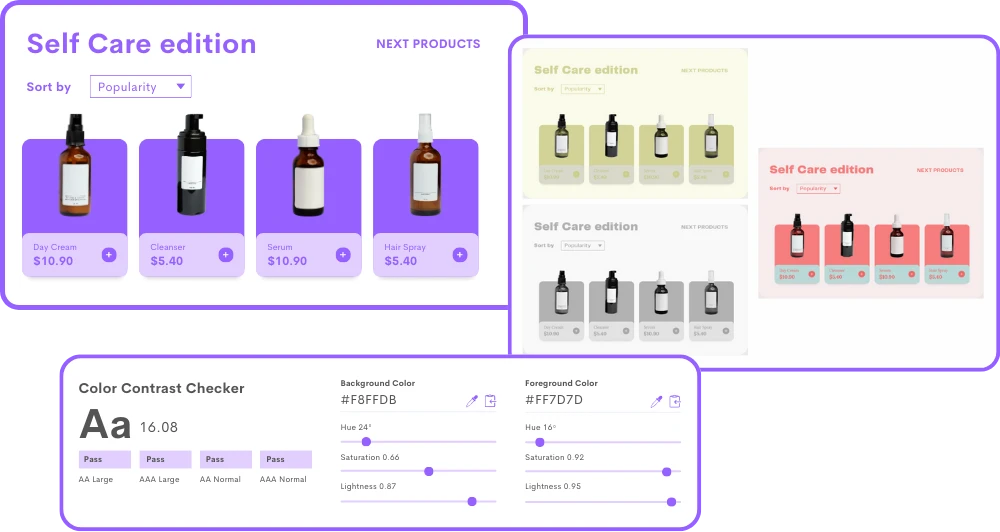
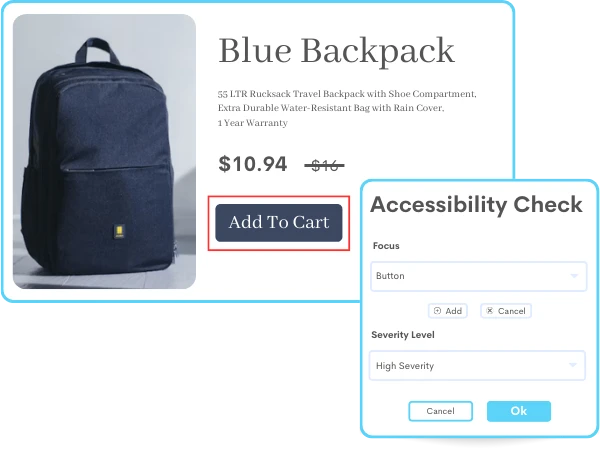
Break Down Digital Accessibility Barriers
Address digital accessibility barriers such as low contrast, missing alternative text for images, or inadequate keyboard navigation.
- Continuous Accessibility Audits: Identify and address any potential barriers within its platform with accessibility standard (WCAG) 2.1 Level AA.
- User-Centric Design: Prioritized insights on the needs of diverse users by involving disabilities in the design process.
- Integration into Development Process: Gain intuitive insights to promote a proactive approach, reduce barriers, and create a more inclusive digital environment.
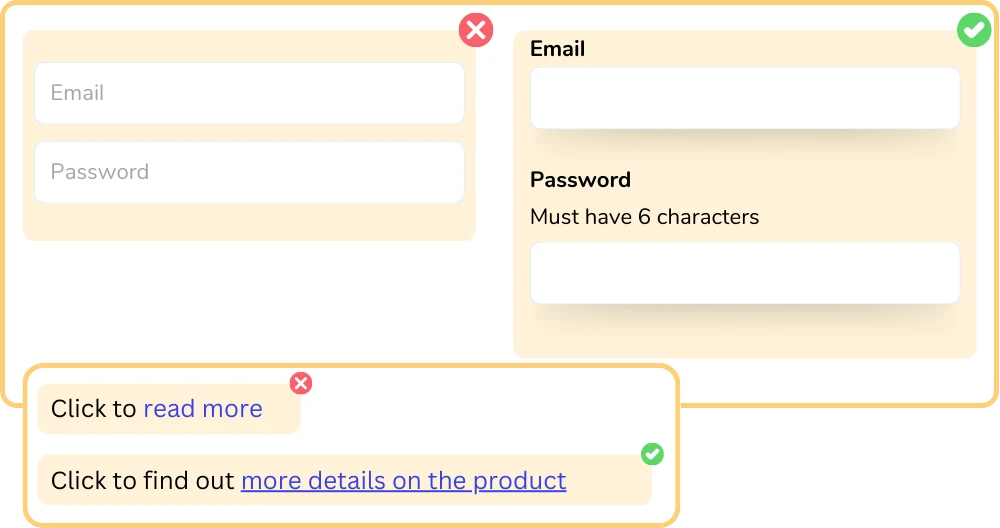
Boost Usability to New Heights
Improve the overall usability of digital content accessibility, such as clear and consistent navigation, well-structured content, and easy-to-use forms and interfaces.
- Accessibility Insights: Track user interactions, such as screen readers, keyboard navigation, or alternative text descriptions.
- Accessibility Testing: Conduct accessibility testing that uncovers issues to enhance the user experience for individuals with disabilities.
- Segmentation based on Accessibility Preferences: Identify user segments that prioritize specific accessibility needs of different user groups.
Frequently Asked Questions
To achieve digital accessibility, websites and applications are designed and developed with inclusive practices. This includes implementing features like alternative text for images, captions for videos, keyboard accessibility, and clear navigation structures.
By considering the needs of individuals with visual, auditory, physical, and cognitive disabilities, digital accessibility ensures that everyone can perceive, operate, and understand the digital content.
Promoting digital accessibility is crucial as it upholds principles of equality, inclusion, and diversity. It ensures that people with disabilities can access information, engage in online activities, and utilize digital services on an equal basis with others.
By creating accessible digital experiences, organizations can reach a broader audience and provide equal opportunities for individuals with disabilities to participate fully in the digital world.
Session recording software allows you to record your users' behavior. It includes data about each visitor to your websites, such as their IP addresses, referring sites, and site activity.
GDPR allows session recording tools if they acquire client agreement. You must, though, ensure that your clients understand what these technologies accomplish and how they use their data.
1. First, sign up to ReplayBird for a free trial.
2. Secondly, Add your first and last name.
3. Place the URL of your website or web app in the field.
4. Choose where you want to install ReplayBird and get your Recording code or User ID code.
5. Verify installation.
Stop guessing what your users want
Understand every user interaction with powerful analytics tools.
Session Replay
Watch exactly how users interact with your product through pixel-perfect session recordings.
Tags & Segments
Organize sessions with tags and create segments for targeted analysis.
Quick Setup
Install in minutes with a single JavaScript snippet. No complex configuration required.
Performance Metrics
Monitor page load times and performance to improve user experience.
Unlimited Team
Invite your entire team and stakeholders at no additional cost.
Privacy Controls
Block IPs, mask sensitive data, and stay compliant with privacy regulations.
Start using ReplayBird for free
Understand your users with session replay, heatmaps, and product analytics.
- Free 14-day trial
- No credit card required
- Unlimited team members
Explore All Features
Everything you need to understand user behavior and improve your product experience.
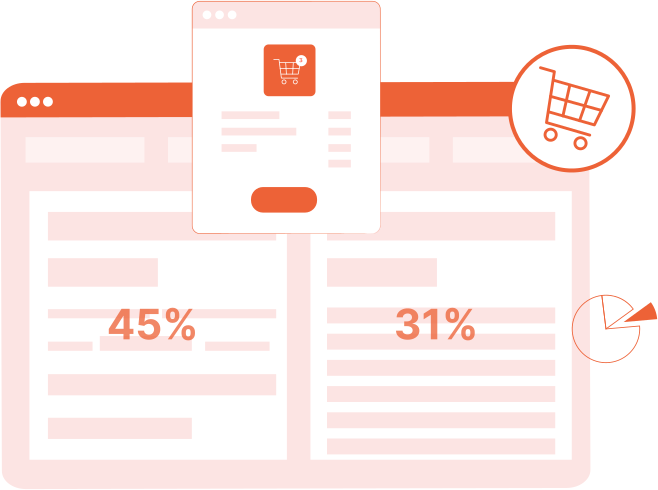
Product Analytics
Track user behavior, measure engagement, and make data-driven product decisions.
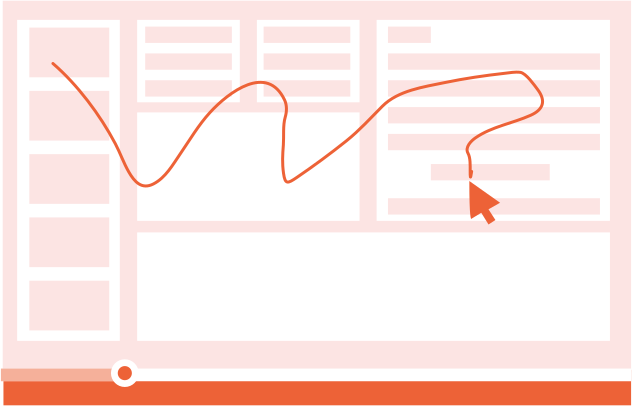
Session Replay
Watch real user sessions to see exactly how users interact with your product.
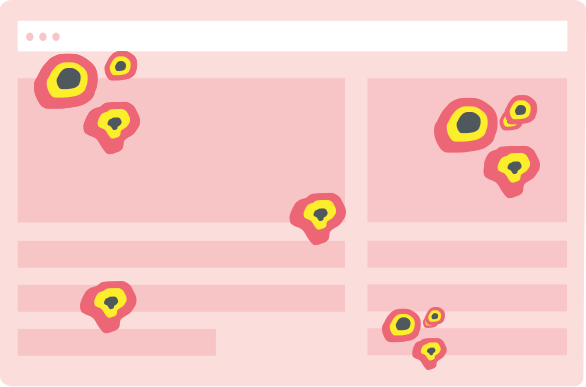
Interaction Heatmaps
Visualize clicks, scrolls, and engagement patterns across your pages.
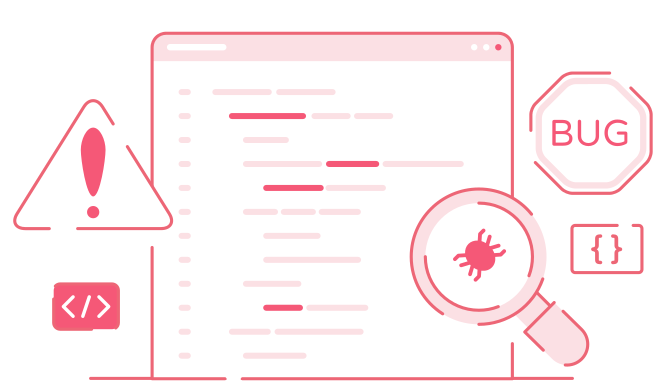
Error Tracking
Catch and fix frontend errors before they impact user experience.

Funnel Analysis
Identify drop-off points and optimize your conversion funnels.

Customer Journey
Map the complete user journey from first touch to conversion.
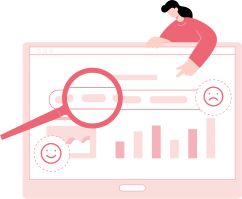
Form Analysis
Understand form interactions and reduce abandonment rates.
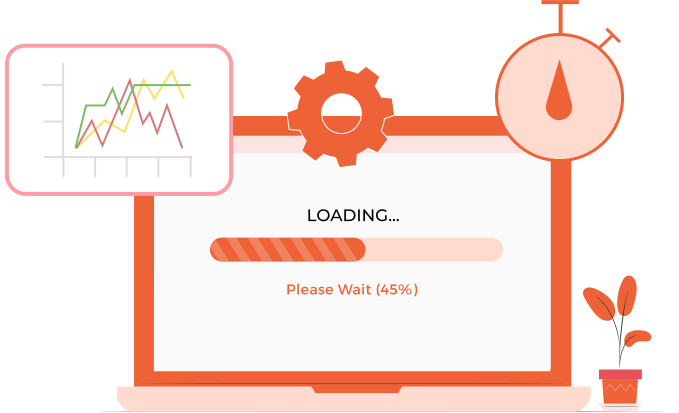
Speed Analysis
Monitor performance and its impact on user experience.