
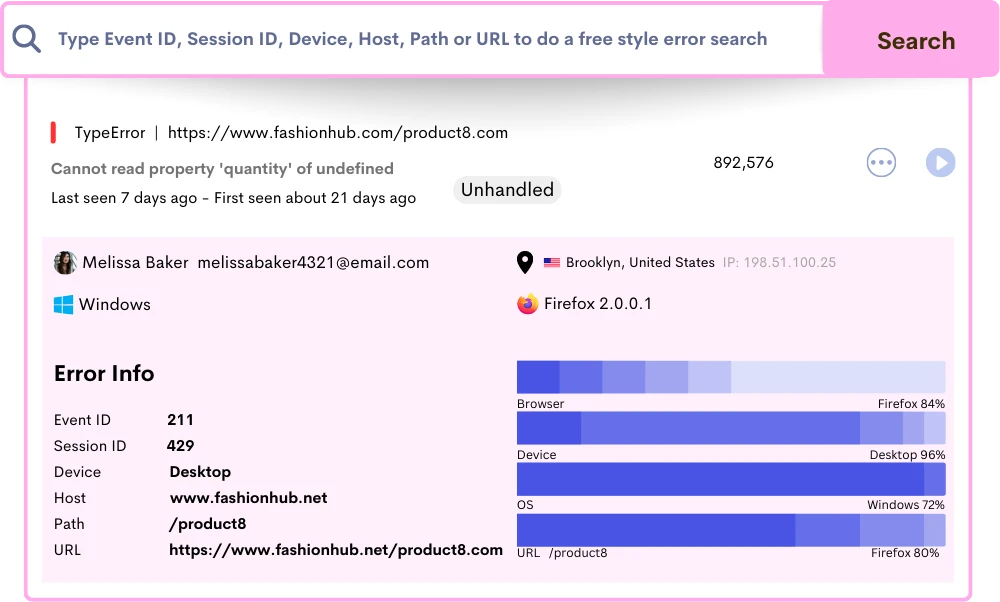
User Segments - Win User Empathy with Cohorts
Reveal holistic user insights across segments, understanding each user segment's unique experiences. Craft tailored designs that specifically achieve satisfying user journey for every individual.
Benefits
 Save Time
 Instantly capture and analyze behaviors as they happen in real-time.
 Enhanced User Experience
 Gain comprehensive customer insights for a complete understanding.
 Boost Revenue
 Identify emerging possibilities to drive revenue growth
 Customer Satisfaction
 Remove barriers and delight customers with effortless interactions.
 Pinpoint and Resolve Bugs
 Effectively address, troubleshoot, and resolve problems for prompt resolution.
 Privacy-Driven Integration
 Prioritize privacy and secure integration for driving continuous innovation.
Get Closer than Ever to Your Users
Understand what triggers your users to find ways on how to design and develop for persuasion and conversion with ReplayBird.
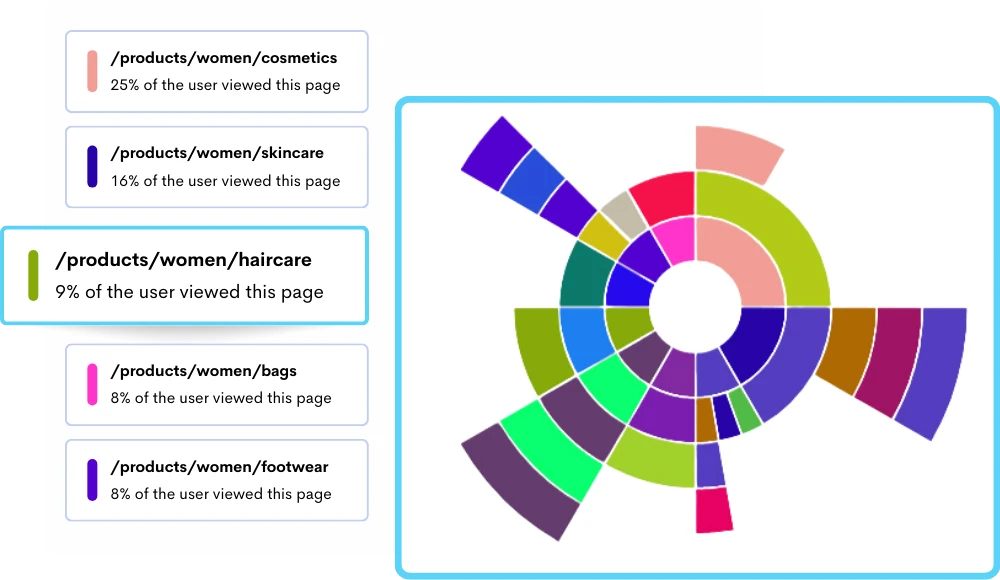
Invent Your Own Score Patterns with Diverse User Segments
Boost diverse product metrics beyond sales by targeting non-engaging users with personalized in-app messages for feature adoption.
- Comprehensive Insights: Identify user behaviors like text highlighting, zoom gestures, and rage clicks.
- Induce Empathy: Transform discovered behaviors into valuable user empathy for better understanding.
- Optimize Experience: Unique cohort insights to improve user experiences and optimize product and website performance.
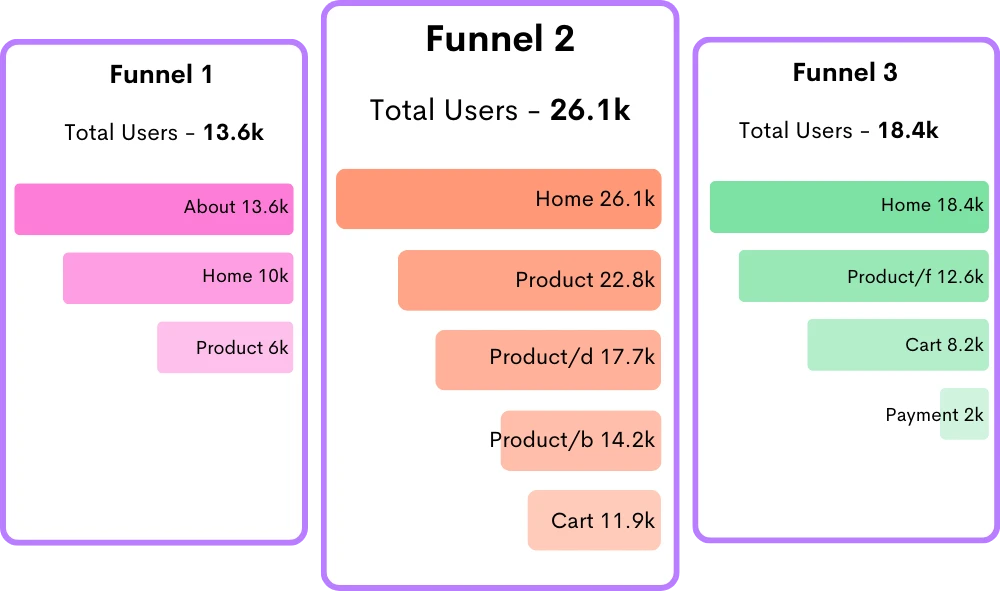
One Click Away from a Massive Conversion of Potential Users
Deeper understanding of which groups are most likely to convert into paying customers with unlimited user segments.
- Easy Implementation: Instantly create unlimited user segments with 50+ filtrations and categories.
- Simplified Customization: Tailor Dashboards effortlessly to suit your specific analytical needs and routines.
- Quick Integration: Seamless integration of customizable Dashboards for swift behavioral analysis implementation.
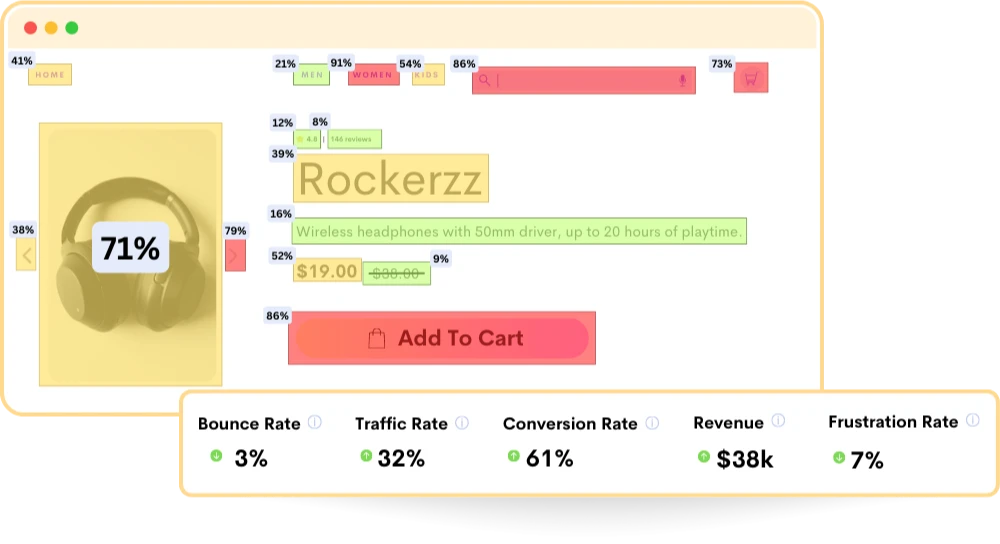
Segment Users by their Actual Behavior & Not With User Type
Go beyond traditional segmentation methods with deeper breakdown on user behaviors, actions, interests, preferences, and engagement patterns.
- Behavior Pattern Recognition: Quickly identify user behavior patterns for precise user grouping and personalized engagement.
- Channel-Specific Actions: Uncover user actions from various marketing channels, refining engagement strategies.
- Merge User Journey Insights: Combine sessions and journey data with segments to monitor high-value user journeys from inception to adoption.
Frequently Asked Questions
User segments are pivotal in personalized marketing, which let you to tailor communication and experiences. They also let businesses to understand their audience better, effectively target specific user needs, and refine strategies to enhance user satisfaction and engagement across various products or services.
- Access ReplayBird Dashboard: Log in to your ReplayBird account and access the Dashboard or main interface.
- Define Customer Segmentation Criteria: Based on user behaviors, actions, or specific events within sessions.
- Use Search Filters: You can also use various search filters such as URL, clicks, page visits, rage clicks, or even specific user attributes to narrow down the user segment.
- Combine Filters and Events: Combine multiple filters or events to create more refined segments, like high-value users who completed a specific action or encountered a certain issue.
- Save Segments: Once defined, save these segments for easy access and future analysis within ReplayBird.
- Analyze Segments with custom dashboard: You can also analyze user segments with separate your own analytics and metrics in one single dashboards to get insights into their behaviors, pain points, and preferences, for more targeted strategies for engagement, troubleshooting, and improvement.
2. Improved Targeting: Precisely target user needs, increasing conversion rates and satisfaction.
3. Boost User Experience: Customize experiences, boosting user satisfaction and retention.
4. Efficient Communication: Deliver relevant messages, increasing user engagement and response rates.
5. Optimized Product Development: Understand user preferences for more targeted product enhancements.
6. Reduced Churn: Address user pain points, minimizing dissatisfaction and subsequent user departure.
7. Behavioral Insights: Analyze behaviors for data-driven decisions, improving user journeys.
8. Increased Conversion: Targeted approaches drive conversions through personalized user experiences.
While demographic segments group individuals based on static traits like age, gender, or location, behavioral segments classify users based on their actions, interactions, and engagement patterns.
Behavioral segments reflect user behaviors, preferences, buying habits, and interactions with a product or service, offering dynamic insights that evolve over time, whereas demographic segments focus on fixed, inherent characteristics that might not accurately represent user actions or preferences.
Usage-Based Segmentation: This categorizes users based on how frequently or infrequently they use a product/service. For instance, a software company may segment users into heavy, moderate, or light users based on their usage frequency.
Purchase Behavior Segmentation: Users are grouped according to their buying habits, such as frequent purchasers, occasional buyers, or those who make high-value purchases. An example could be an online retailer categorizing customers based on their purchase frequency and average order value.
Loyalty-Based Segmentation: Segments users according to their loyalty levels or engagement with a brand. For instance, an airline might distinguish between frequent flyers, occasional travelers, and those who rarely use their services based on travel frequency and loyalty program participation.
Benefit-Based Segmentation: This categorization is based on the benefits or motivations that drive users to use a product or service. For example, a fitness app might segment users as those interested in weight loss, muscle building, or general fitness, tailoring content and features accordingly.
Stop guessing what your users want
Understand every user interaction with powerful analytics tools.
Session Replay
Watch exactly how users interact with your product through pixel-perfect session recordings.
Tags & Segments
Organize sessions with tags and create segments for targeted analysis.
Quick Setup
Install in minutes with a single JavaScript snippet. No complex configuration required.
Performance Metrics
Monitor page load times and performance to improve user experience.
Unlimited Team
Invite your entire team and stakeholders at no additional cost.
Privacy Controls
Block IPs, mask sensitive data, and stay compliant with privacy regulations.
Start using ReplayBird for free
Understand your users with session replay, heatmaps, and product analytics.
- Free 14-day trial
- No credit card required
- Unlimited team members
Explore All Features
Everything you need to understand user behavior and improve your product experience.
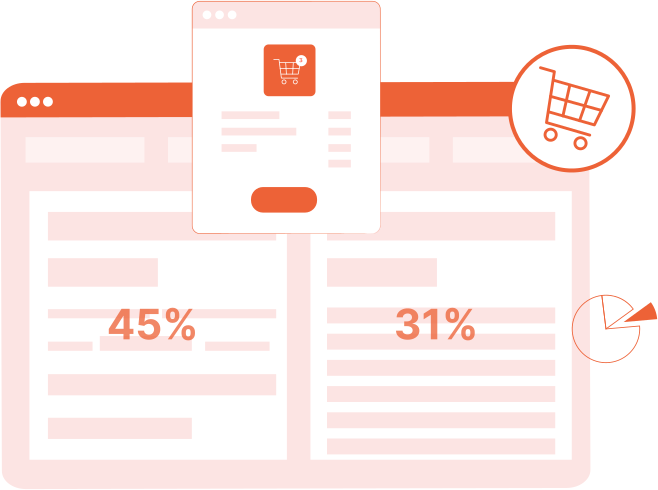
Product Analytics
Track user behavior, measure engagement, and make data-driven product decisions.
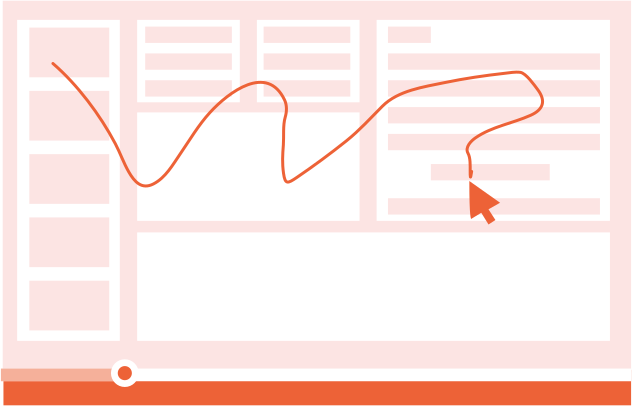
Session Replay
Watch real user sessions to see exactly how users interact with your product.
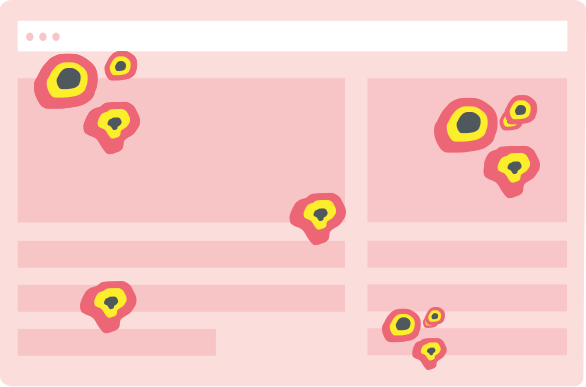
Interaction Heatmaps
Visualize clicks, scrolls, and engagement patterns across your pages.
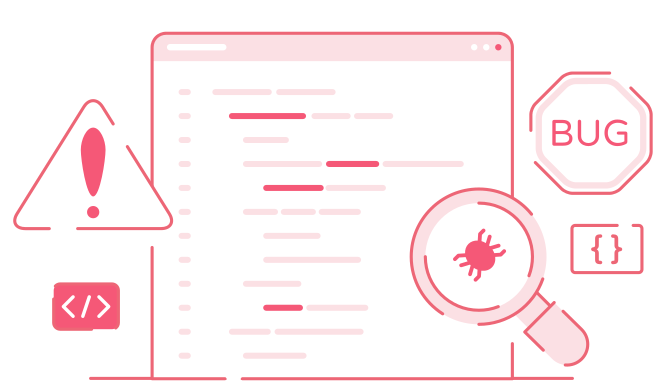
Error Tracking
Catch and fix frontend errors before they impact user experience.
Funnel Analysis
Identify drop-off points and optimize your conversion funnels.

Customer Journey
Map the complete user journey from first touch to conversion.

Form Analysis
Understand form interactions and reduce abandonment rates.
Speed Analysis
Monitor performance and its impact on user experience.