
Speed Analysis
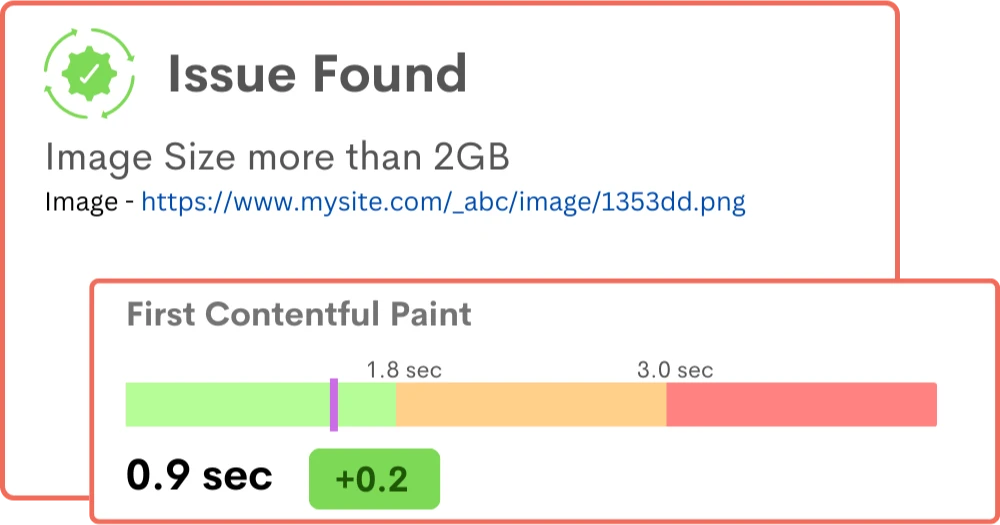
Is your website taking too long to load? Slow website speeds are a major turn-off, leading to decreased engagement and lower conversion rates.
Benefits
 Save Time
 Instantly capture and analyze behaviors as they happen in real-time.
 Enhanced User Experience
 Gain comprehensive customer insights for a complete understanding.
 Boost Revenue
 Identify emerging possibilities to drive revenue growth
 Customer Satisfaction
 Remove barriers and delight customers with effortless interactions.
 Pinpoint and Resolve Bugs
 Effectively address, troubleshoot, and resolve problems for prompt resolution.
 Privacy-Driven Integration
 Prioritize privacy and secure integration for driving continuous innovation.
Impress Users with Lightening Fast Website
Speed up, rank higher, and thrive in the fast-paced digital world with our powerful speed analysis solutions.
Prevent Load Time Issues Affecting SEO Rankings
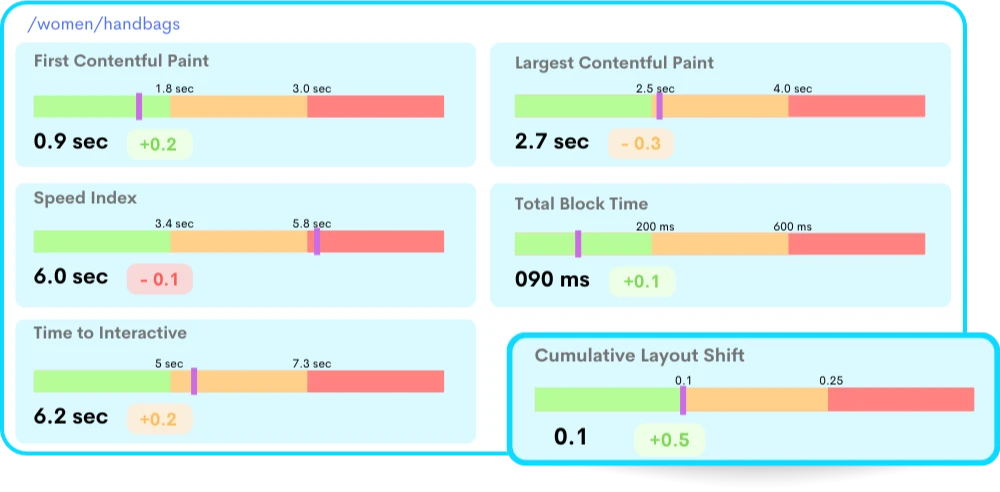
Overcome sluggish load times and retain your search result ranking by understanding and tackling the issues behind slow page loading.
- Comprehensive Website Audit: Analyze intuitive insights on code, file sizes, image optimization, and other factors that affect SEO rankings.
- Code Optimization: Streamline HTML, CSS, and JavaScript files to improve load times and boost SEO rankings.
- Caching and Compression: Reduce server requests and file sizes, resulting in faster page loading with actionable insights on caching mechanisms.
Scalable Insights on Core Web Vitals
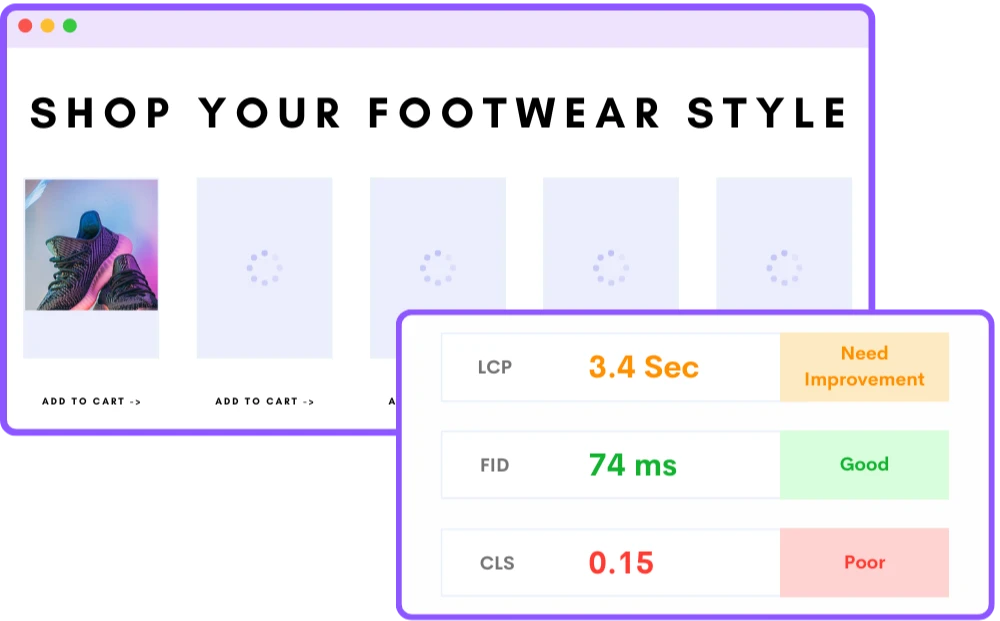
Track and monitor your website's performance over time by gaining highlights on every fluctuation or trend in the Core Web Vitals metrics.
- Analyze Largest Contentful Paint (LCP): Measure and analyze LCP metrics to identify elements causing delays in the largest contentful element loading.
- Track First Input Delay (FID): Monitor FID metrics to understand and optimize user interactivity for a smooth and responsive website.
- Monitor Cumulative Layout Shift (CLS): Track and analyze CLS metrics to identify layout instability issues that lead to unexpected shifts in the page content.
Reduce Bounce Rate and Increase Conversion Rate
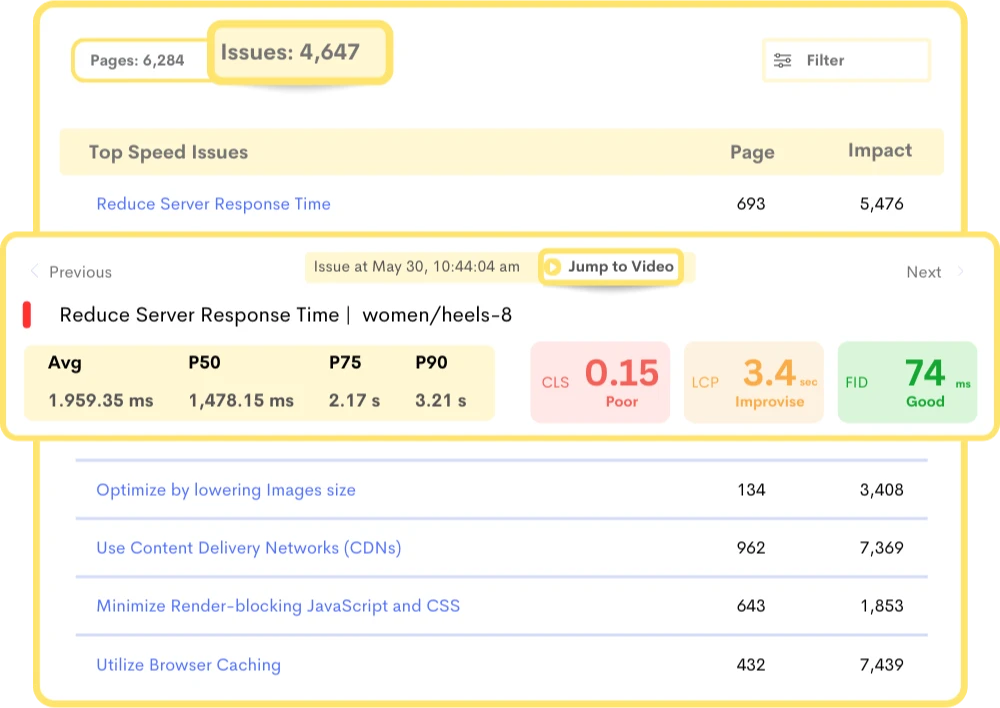
Go beyond just checking the loading time of your pages and delve deep into the underlying factors that affect the user experience to lower the bounce rate.
- Page-Level Performance: Metrics on individual page performance need optimization to increase conversion rates.
- User Journey Analysis: Optimize the user journey by understanding critical touchpoints on the website and how load times affect user interactions.
- Real-Time Alerts and Notifications: Take immediate action on every significant performance issue with real-time notifications.
Frequently Asked Questions
Websi`te load time is an essential factor in website performance and user experience, as slow load times can negatively impact user engagement, conversions, and search engine rankings.
Speed analysis tools can also provide insights into page size, number of requests, and other factors that impact website performance.
By using speed analysis tools, website owners can identify areas for improvement and optimize their website to improve user experience, search engine rankings, and revenue.
For example, an e-commerce website that sells products may need to load quickly to prevent users from leaving the site and going to a competitor's site.
On the other hand, a news website may be more forgiving regarding load time, as users may be willing to wait a bit longer for the content they are interested in.
2. Number of Requests: The number of requests made to the server can also impact load time, as each request takes time to process.
3. Server Response Time: The time it takes for the server to respond to a request can also impact load time.
4. Code Optimization: Poorly optimized code can result in slower load times as the browser takes more time to process the code.
5. Image Optimization: Large image sizes can significantly slow website load times, so optimizing images is essential.
6. Cache Optimization: Browser caching can help reduce the number of requests made to the server and improve load times.
7. Render Blocking Resources: Scripts and stylesheets can block the rendering of a page, leading to slower load times.
8. Mobile Optimization: Websites that are not optimized for mobile devices can lead to slower load times and a poor user experience.
It provides insights and recommendations for improving website speed and performance. Additionally, modern web browsers also have built-in developer tools that allow you to measure website load time and other performance metrics.
The impact of page size on website load time can be significant, especially for users with slower internet connections or mobile devices. Large page sizes can also lead to higher bandwidth usage, slower page rendering, and poor user experience, negatively affecting website traffic, engagement, and conversions.
To improve website load time, it's essential to optimize page size by minimizing the number and size of resources, compressing images and other media files, and removing unnecessary scripts and code. By reducing page size, you can improve website speed, reduce bandwidth usage, and enhance user experience, leading to better engagement and conversions.
2. Optimizing images: Large images can slow down your website, so optimizing them is essential. You can use image compression tools to reduce the size of your images without compromising their quality.
3. Enabling caching: Caching allows your website to store data in the user's browser, reducing the amount of data that needs to be downloaded on subsequent visits. You can enable caching by configuring your web server or using a caching plugin.
4. Using a content delivery network (CDN): A CDN can help to reduce load times by delivering your website's content from servers located closer to the user.
5. Minimizing CSS and JavaScript: Large CSS and JavaScript files can slow down your website, so it's important to minimize them. You can do this by removing any unnecessary code and using tools to minify your CSS and JavaScript.
Capacity planning is the process of determining the resources required to support a system's current and future workload, and speed analysis can help in this process by identifying the maximum capacity of a system and the limits of its performance.
By conducting load testing, organizations can simulate a high volume of traffic on their system and measure how it performs under different conditions.
This can help to identify bottlenecks, such as slow database queries or inefficient code, and allow organizations to take steps to address these issues.
Once the performance limits of a system have been determined, this information can be used to plan for future growth.
By knowing how much load a system can handle, organizations can ensure that they have the resources in place to support their projected growth. Speed analysis can also help with capacity planning by identifying trends in system usage over time.
By monitoring system performance on an ongoing basis, organizations can identify patterns in traffic and usage and adjust their capacity planning accordingly.
Pages that load quickly are more likely to rank higher in search engine results pages (SERPs) than pages that load slowly.
This is because search engines prioritize user experience and aim to deliver the most relevant and valuable results to their users.
If a website takes too long to load, it can negatively impact the user experience, leading to higher bounce rates and lower engagement. As a result, search engines may rank slower-loading pages lower in their results pages.
In addition, slow load times can also affect other factors that contribute to search engine rankings, such as page views, time on site, and social sharing. All of these metrics can suffer if users have to wait too long for a page to load, which can lead to lower search engine rankings.
Stop guessing what your users want
Understand every user interaction with powerful analytics tools.
Session Replay
Watch exactly how users interact with your product through pixel-perfect session recordings.
Tags & Segments
Organize sessions with tags and create segments for targeted analysis.
Quick Setup
Install in minutes with a single JavaScript snippet. No complex configuration required.
Performance Metrics
Monitor page load times and performance to improve user experience.
Unlimited Team
Invite your entire team and stakeholders at no additional cost.
Privacy Controls
Block IPs, mask sensitive data, and stay compliant with privacy regulations.
Start using ReplayBird for free
Understand your users with session replay, heatmaps, and product analytics.
- Free 14-day trial
- No credit card required
- Unlimited team members
Explore All Features
Everything you need to understand user behavior and improve your product experience.
Product Analytics
Track user behavior, measure engagement, and make data-driven product decisions.

Session Replay
Watch real user sessions to see exactly how users interact with your product.
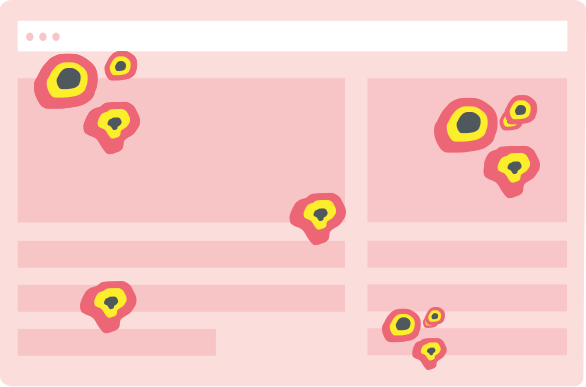
Interaction Heatmaps
Visualize clicks, scrolls, and engagement patterns across your pages.

Error Tracking
Catch and fix frontend errors before they impact user experience.

Funnel Analysis
Identify drop-off points and optimize your conversion funnels.

Customer Journey
Map the complete user journey from first touch to conversion.

Form Analysis
Understand form interactions and reduce abandonment rates.
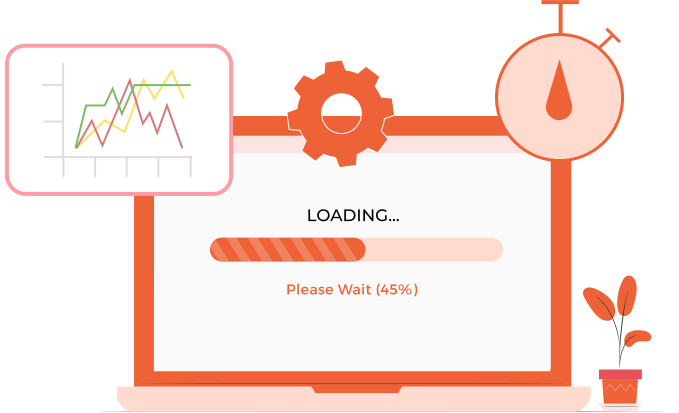
Speed Analysis
Monitor performance and its impact on user experience.