
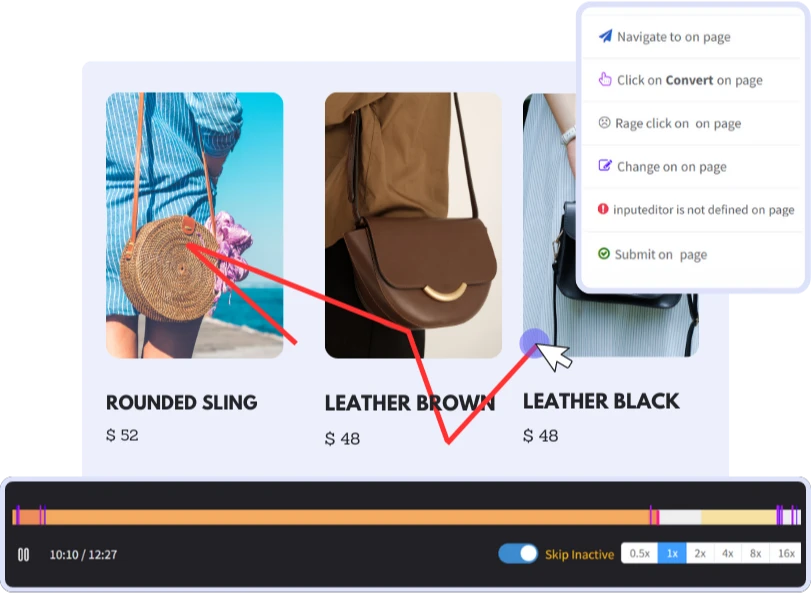
Session Recording
Record your every visitor's interaction with your website, including micro gestures. Analyze session recordings to identify user friction areas and fix UX/UI issues for better conversions.
Benefits
 Save Time
 Instantly capture and analyze behaviors as they happen in real-time.
 Enhanced User Experience
 Gain comprehensive customer insights for a complete understanding.
 Boost Revenue
 Identify emerging possibilities to drive revenue growth
 Customer Satisfaction
 Remove barriers and delight customers with effortless interactions.
 Pinpoint and Resolve Bugs
 Effectively address, troubleshoot, and resolve problems for prompt resolution.
 Privacy-Driven Integration
 Prioritize privacy and secure integration for driving continuous innovation.
See What Session Recording Can Do to Your Digital Platform
Session recordings is a visual representation of actual visitor interactions while navigating a website. These recordings capture mouse movements, clicks, and taps.
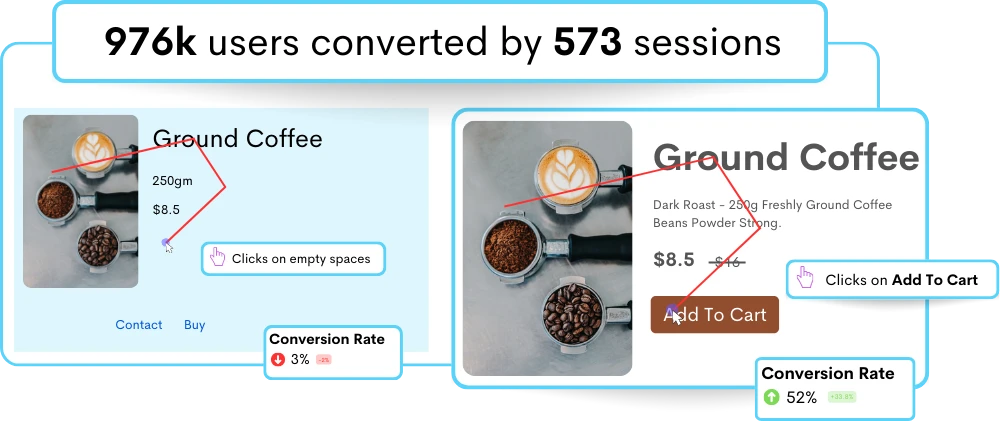
Refined design with session recording to meet user needs
Are users able to complete tasks more efficiently? Are they encountering fewer obstacles? Has usability improved for users? Answer these questions with session recordings.
- UI Pain Points Identification: Spot where user are facing confusing navigation, complex forms, or unclear error messages.
- Unbiased Feedback Gathering: Experience user interactions firsthand through session recordings, offering genuine insights unlike inaccurate data from surveys & interviews.
- More User Engagement Insights: Analyze which UI elements are most engaging or effective in capturing user attention, as well as areas where users may disengage or drop off.
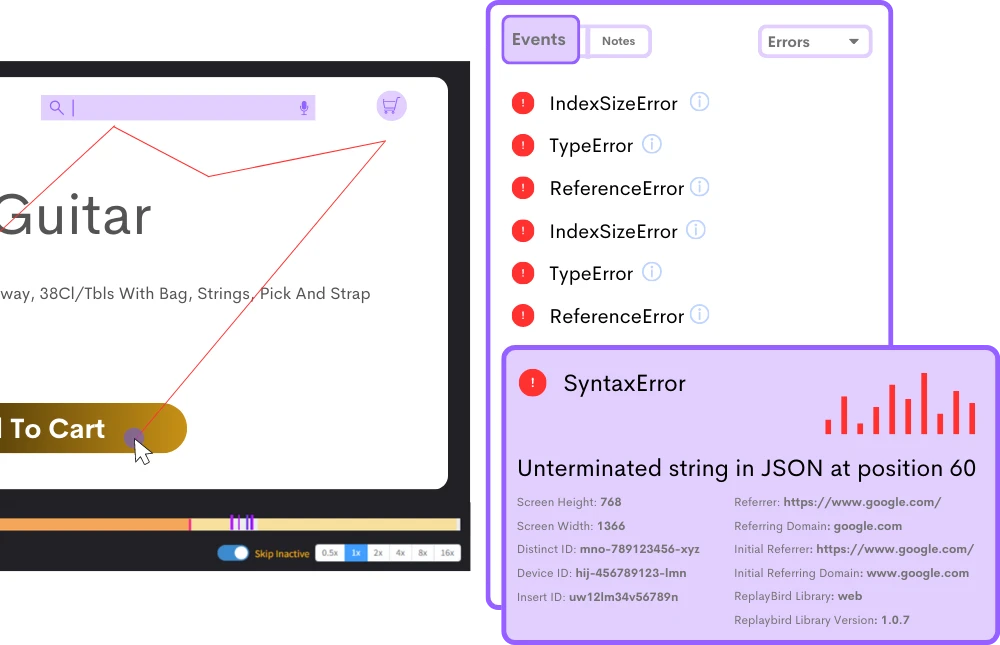
Don't let unseen JS Error derail your user experience
Identify confusing layouts, validation errors, rendering glitches, & feeble DOM manipulation to cut the frills of the conversion process.
- Diagnose JavaScript Error's Root Causes: Session recordings uncover JavaScript error causes by analyzing accurate DOM interactions and code behaviors.
- Understand user frustration like never before: Session recordings reveal instances of rage clicks, shedding light on pain points within your UI.
- Decode Page Load Issues: Uncover bottlenecks in page load times and user interactions to reduce bounce rates and ensure lightning-fast responsiveness.
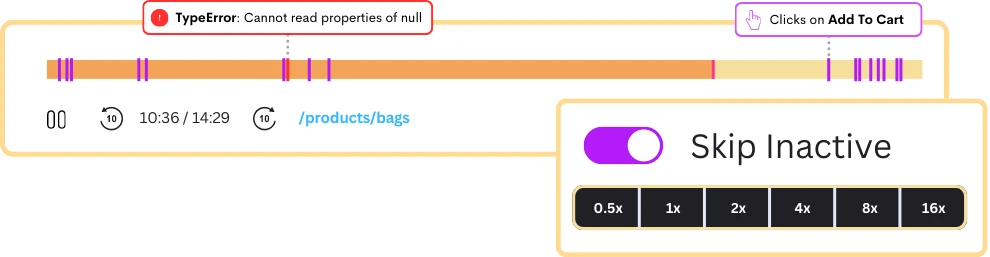
Spending more time on Session Recording?
Not anymore, Get spotlight on sessions with issues, diving deeper by sorting through potential sessions that address exact UX problems that you need to solve.
- Advanced Search & Filtering: quickly locate specific sessions or events based on criteria such as user attributes, session duration, or specific user actions.
- Additional Insights on User Behavior: Contextualize user behavior with timestamps for user actions, browser information, device type, and screen resolution.
- Playback Session Recordings: Focus on specific interactions as you wish, with controls for adjusting playback speed, pausing, and scrubbing through session recordings.
Privacy and Security Would Always be Our Fundamentals
Rest assured that your users' information remains protected while you gain actionable insights to optimize your site for maximum user satisfaction.
- Your Data, Your Control: Whether it's personal details, payment data, or other confidential information, our platform allows you to mask specific text fields by default.
- Choose What Data to be Ignored: Take up this one-time process of tailoring your privacy settings to align with your organization's policies and user expectations.
- Compliance with Regulations: User data within session replay undergoes GDPR and SOC2 compliance measures to mitigate the risk of data breaches and ensure protection.
Frequently Asked Questions
These session recordings of your users offer valuable data for analyzing user engagement, identifying usability issues, and improving the overall performance and user experience of the digital platforms.
- Comprehensive View: Capture actions like mouse movements, clicks, scrolls, and keystrokes for a holistic perspective.
- Optimized User Experience: Identify pain points and usability issues for enhanced user satisfaction.
- Improved Design Decisions: Make informed choices based on real user interactions, leading to better design outcomes.
- Increase in Conversion Rates: Utilize insights to optimize user flows and ultimately increase conversion rates.
- Sign Up: Create a ReplayBird account.
- Integration: Add ReplayBird's tracking code to your website.
- Customization: Configure settings to record desired user actions.
- Start Recording: Sessions automatically begin recording user interactions.
- Playback and Analysis: Access recorded sessions on the ReplayBird dashboard for analysis.
- Insights: Analyze behavior patterns to identify areas for improvement.
- Optimization: Use insights for continuous website optimization.
Typically, you just need to sign up for an account, add a tracking code to your website, customize your settings according to your preferences, and sessions will begin recording automatically.
From there, you can use built-in tools to filter, search, and playback sessions. Analyze user interactions, identify patterns, and pinpoint areas for improvement in your website or application's user experience.
For instance, the Startup plan allows for up to 5,000 sessions per month, while the Growth plan offers 15,000 sessions, and the Premium plan provides for 50,000 sessions. Additionally, each plan specifies the number of team members, websites, and retention period.
However, for Enterprise-level clients with custom pricing, these limitations may vary based on negotiated terms.
Additionally, you can often jump directly to the error stack trace and root cause within the session recording, facilitating quick identification and resolution of JavaScript issues to improve website or application performance.
Session recordings typically refer to the specific part of recording user interactions, including mouse movements, clicks, scrolls, and keystrokes. These recordings provide a detailed view of how users navigate through a digital platform.
On the other hand, session replay is watching playback of the recorded sessions of users whenever to have a deep knowledge on user behavior and make data-driven decisions.
Stop guessing what your users want
Understand every user interaction with powerful analytics tools.
Session Replay
Watch exactly how users interact with your product through pixel-perfect session recordings.
Tags & Segments
Organize sessions with tags and create segments for targeted analysis.
Quick Setup
Install in minutes with a single JavaScript snippet. No complex configuration required.
Performance Metrics
Monitor page load times and performance to improve user experience.
Unlimited Team
Invite your entire team and stakeholders at no additional cost.
Privacy Controls
Block IPs, mask sensitive data, and stay compliant with privacy regulations.
Start using ReplayBird for free
Understand your users with session replay, heatmaps, and product analytics.
- Free 14-day trial
- No credit card required
- Unlimited team members
Explore All Features
Everything you need to understand user behavior and improve your product experience.
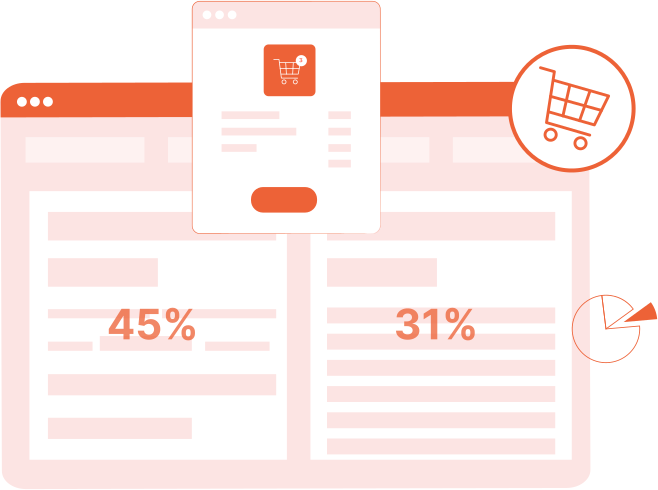
Product Analytics
Track user behavior, measure engagement, and make data-driven product decisions.
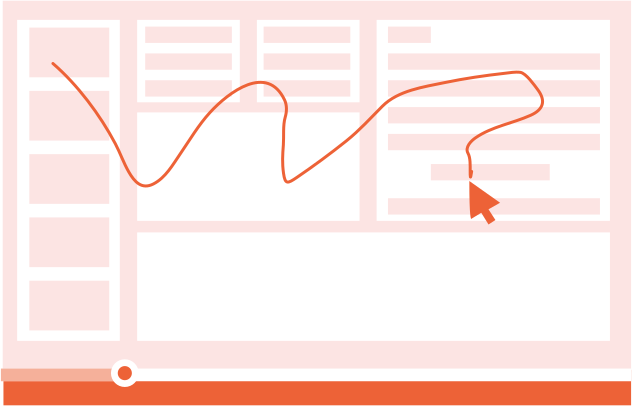
Session Replay
Watch real user sessions to see exactly how users interact with your product.
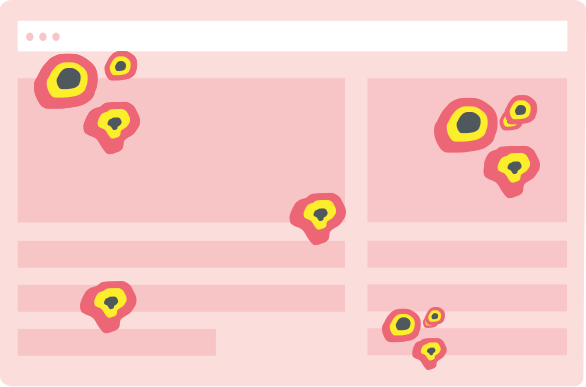
Interaction Heatmaps
Visualize clicks, scrolls, and engagement patterns across your pages.
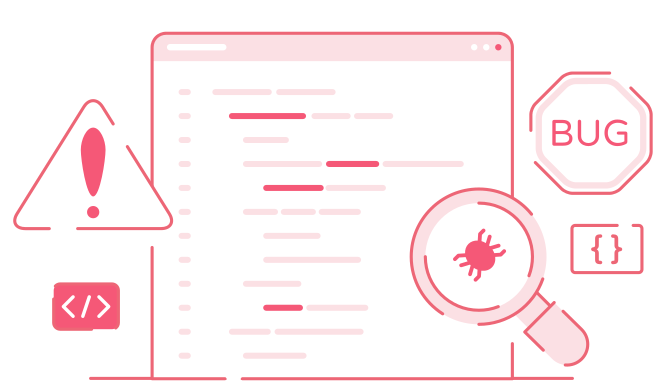
Error Tracking
Catch and fix frontend errors before they impact user experience.
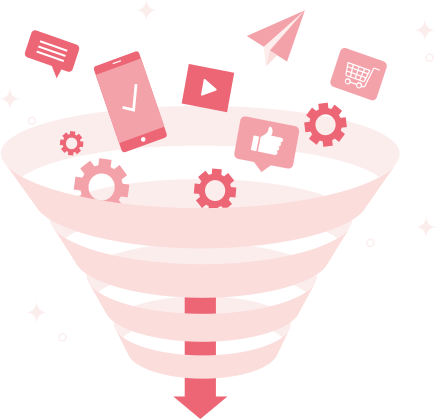
Funnel Analysis
Identify drop-off points and optimize your conversion funnels.

Customer Journey
Map the complete user journey from first touch to conversion.

Form Analysis
Understand form interactions and reduce abandonment rates.
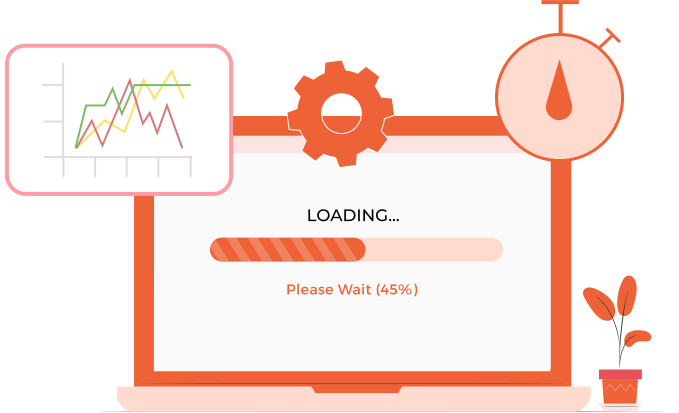
Speed Analysis
Monitor performance and its impact on user experience.